

Learn how to make changes to users accounts within your team
-
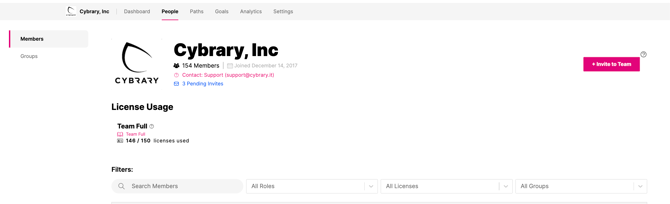
Navigate to the "People" tab
-
Search for the user in the "search names" search box
3. Click View Profile of the user you want to make edits to
4. Make the edits you would like to
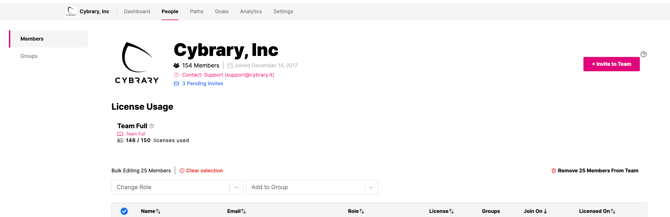
What edits can I make?
You are able to add users to groups, remove users from groups, make them a team admin, view their received Certificates of Completion, and you can also delete them.